What Documents Are Needed for TNT SIM Registration?
When you register your TNT SIM in the Philippines, you’re required to provide certain documents and information so the telco can verify your identity. This is part of the SIM Registration Act, a law that helps reduce scams, spam texts, and fraud by linking every mobile number to a person.
Let’s break down exactly what you need to successfully register your TNT SIM card.
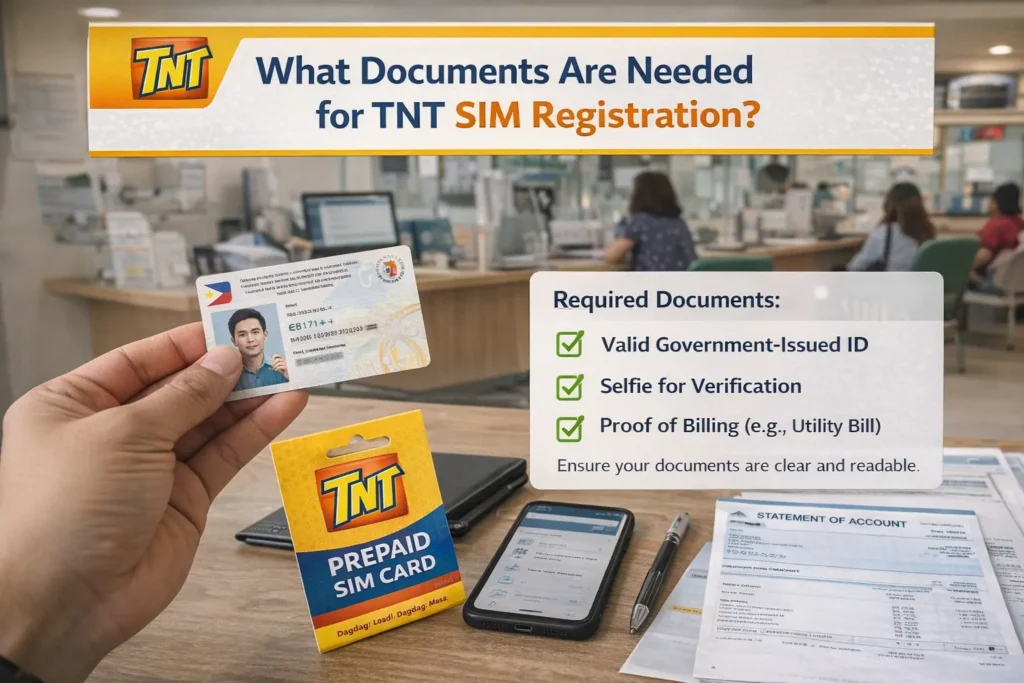
Valid Government‑Issued ID
The most important document for TNT SIM registration is a valid government‑issued photo ID. This proves who you are and must clearly show your name, photo, and ID number.
Common acceptable IDs include:
Make sure your ID is valid (not expired) and the details you enter in the form match your ID exactly.
Your Personal Details
When registering your TNT SIM, you’ll also need to provide accurate personal information, including:
The system checks all of this against your ID, so double‑check spelling and format before you submit.You can also read: Why Is TNT SIM Registration Taking Too Long?
Selfie Photo for Verification
Most telco registration systems now require a selfie photo to match your face with your ID.
This helps prove that you are the person on the ID, and prevents fraud.
Your selfie should be:
Clear and recent
Well‑lit, with no shadows covering your face
Only you in the photo (no hats or sunglasses blocking your face)
This is usually uploaded during online registration on the portal or the GigaLife app.
Special Requirements for Some People
Depending on your situation, you may need extra documents:
For minors (under 18):
Their SIM must be registered under the parent or guardian’s name, and the guardian’s valid government ID must be used.
For foreigners or tourists:
Aside from a passport, you may be asked for:
For business accounts:
A business SIM may require company documents and an authorized representative’s ID. (This varies by carrier and whether you’re registering multiple SIMs under a corporate account.)
Your Active TNT SIM Card
You’ll need your active TNT SIM card inserted in the phone you’re registering — this is needed so you can receive your OTP (one‑time password) during the registration process. If your SIM can’t receive SMS, the registration won’t complete.
Tips to Avoid Document Upload Errors
Here are some helpful tips so your registration doesn’t get delayed:
FAQs
Final Words
Having your documents ready before you begin TNT SIM registration saves time and helps avoid errors. Make sure your ID is valid, your details match exactly, and your selfie is clear. With everything prepared, you’ll breeze through the registration and keep your SIM active without issues.
If you’d like, I can also provide a step‑by‑step checklist you can follow before uploading your documents — just ask!