Unlock the TNT SIM card PUK Code
Getting locked out of your TNT SIM card can be frustrating, especially when your phone asks for a PUK code. The good news is that you can regain access to your SIM by using the correct TNT SIM PUK Code. This unique security code helps unlock a SIM after multiple incorrect PIN attempts.
In this guide, you’ll learn where to find your TNT PUK code, how to unlock your SIM safely, and what to do if your SIM becomes permanently blocked.

What Is a TNT SIM PUK Code?
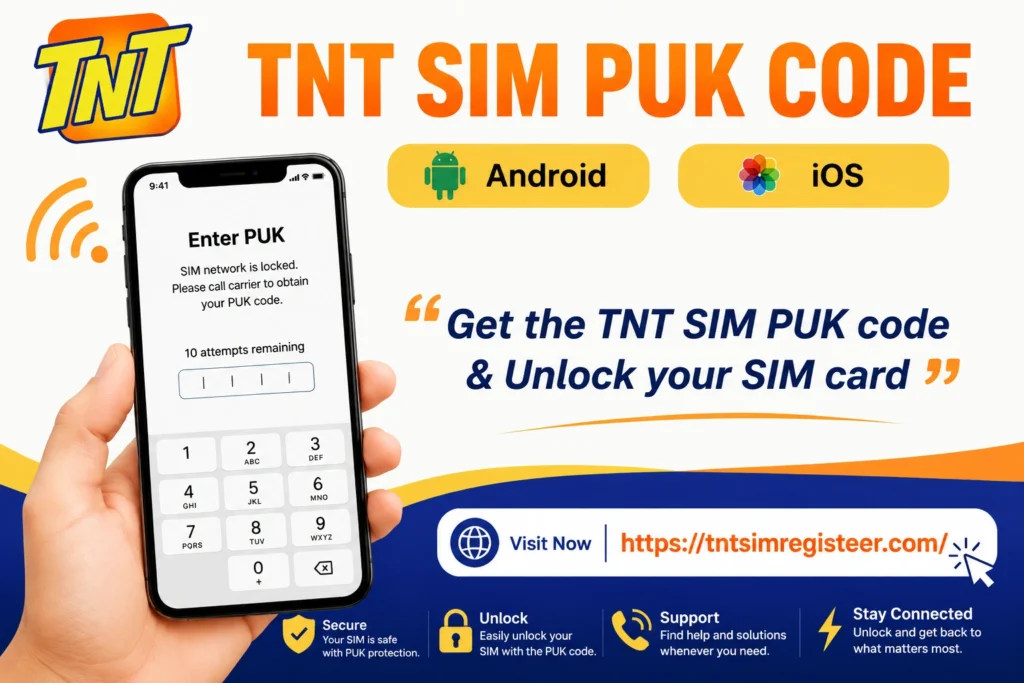
A Personal Unblocking Key (PUK) is an 8-digit security code assigned to every TNT SIM card. It is designed to protect your SIM from unauthorized access.
If you enter the wrong SIM PIN several times, your device will automatically lock the SIM and request a PUK code. Entering the correct PUK allows you to create a new PIN and restore access to your mobile services.
Why Does a TNT SIM Ask for a PUK Code?
Your TNT SIM usually requests a PUK code when:
This security measure helps prevent unauthorized users from accessing your account and personal information.
How to Get Your TNT SIM PUK Code
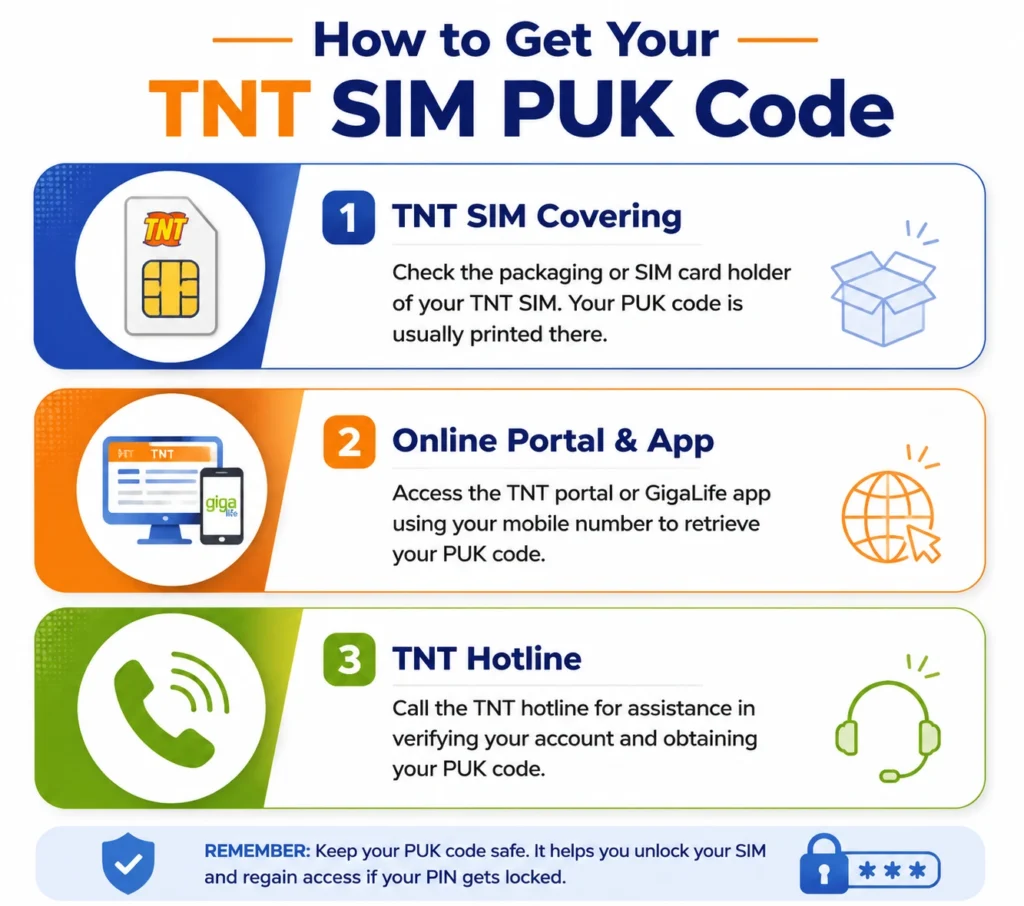
There are several ways to retrieve your TNT PUK code depending on what information you still have available.
Check the Original SIM Card Package
The easiest method is to locate the card holder or packaging that came with your TNT SIM.
Look for:
| Information Area | What to Find |
|---|---|
| SIM Card Holder | 8-digit PUK Code |
| Barcode Section | Security details |
| SIM Information Panel | PIN and PUK information |
If you still have the original packaging, you may find the PUK printed directly on it.
Get the PUK Code Through the GigaLife App
The GigaLife App offers convenient account management features for TNT subscribers.
Steps:
Contact TNT Customer Support
If you cannot access the packaging or online tools, customer support can help verify your identity and provide assistance.
Follow these steps:
| Step | Action |
|---|---|
| 1 | Dial *888 from a TNT number |
| 2 | Follow the automated menu |
| 3 | Select customer assistance |
| 4 | Explain that your SIM is PUK locked |
| 5 | Complete identity verification |
Support representatives may request details associated with your SIM account before providing assistance.
How to Unlock a TNT SIM Using the PUK Code
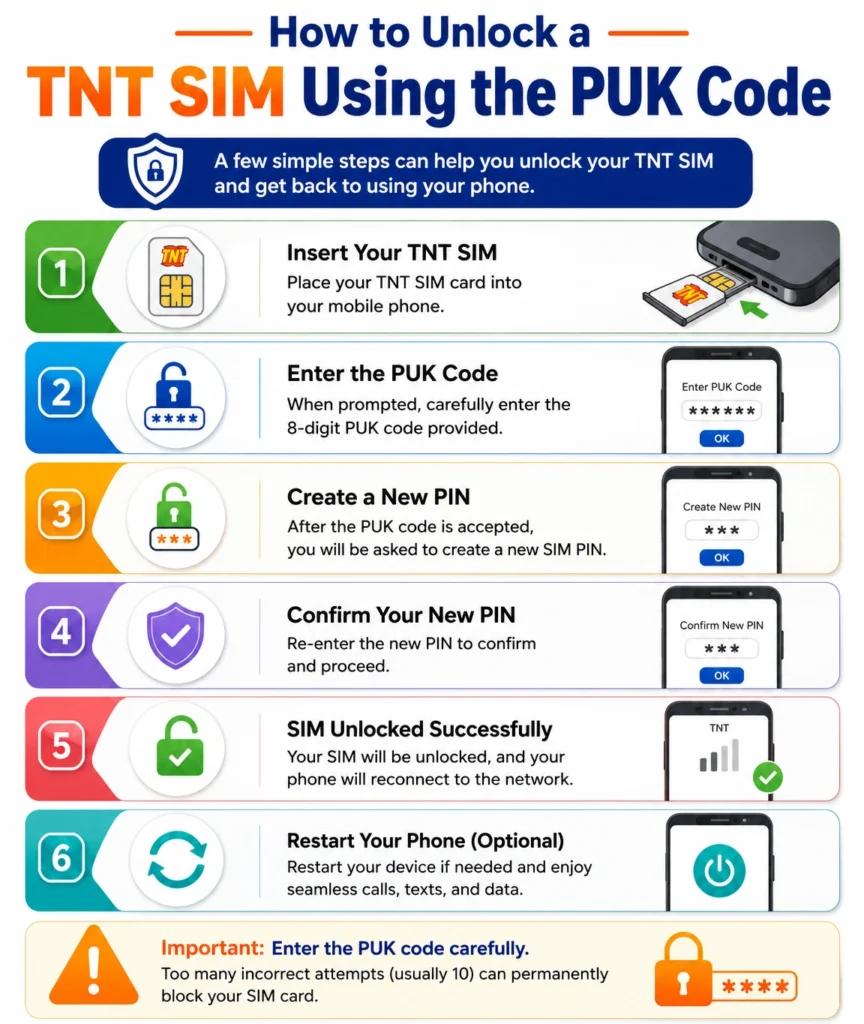
Once you have obtained the correct PUK code, unlocking your SIM only takes a few minutes.
Step-by-Step Process
After successful verification, your TNT SIM should function normally again.
Important Warning Before Entering the PUK Code
Always enter the PUK code carefully.
Most SIM cards allow a limited number of PUK attempts. If the maximum limit is reached, the SIM may become permanently disabled. Once this happens, the SIM can no longer be recovered and a replacement SIM may be required.
To avoid permanent deactivation:
Double-check the PUK before entering it.
Avoid guessing random numbers.
Contact TNT support if you’re unsure of the correct code.
What Happens After Unlocking Your TNT SIM?
After a successful unlock, you can continue using your:
In most cases, your account information remains unchanged after the SIM is unlocked.
Common Problems When Using a PUK Code
PUK Code Not Working
Possible reasons include:
SIM Still Locked
Try restarting the device and confirming that the correct PUK was entered.You can also read: TNT SIM App Download | Download the Latest Version of GigaLife App
Permanently Blocked SIM
If the allowed number of attempts has been exceeded, visit a TNT or Smart service center to inquire about SIM replacement options.
FAQs
Final Words
The TNT SIM PUK Code is an essential security feature that helps protect your account when incorrect PIN entries occur. Whether you retrieve the code from your SIM packaging, account tools, or customer support, entering the correct PUK allows you to regain access quickly and safely. Always handle PUK requests carefully to prevent permanent SIM blocking and avoid unnecessary service interruptions.