
How to Fix TNT SIM Registration ID Upload Issues
Uploading your ID is one of the most important steps in the TNT SIM registration process. But sometimes, the system might reject your ID upload or show an error before you can finish registration. This can be frustrating — especially when you just want your mobile number to stay active and compliant with the SIM Registration Act.
The good news is that most of these problems have simple solutions. Below, we’ll walk through the common causes and easy fixes so you can complete your TNT SIM registration smoothly.

Why ID Upload Problems Happen
Before we jump into the fixes, here are the most common reasons ID uploads fail during TNT SIM registration:
Blurry or Low‑Quality ID Photo
If your image is not clear, the system may not read the details correctly.
Incorrect File Format or Size
Large files or unsupported formats can cause errors.You can also read: What to Do When TNT SIM Registration Fails
Weak Internet Connection
An unstable connection may interrupt the upload.
Browser or App Glitches
Sometimes the registration page doesn’t load correctly or times out.
Temporary Server Issues
The registration system may have outages or delays at times.
Step‑by‑Step Fixes for ID Upload Issues
Here’s what you can do to fix the problem quickly:
Take a Clear, High‑Quality Photo of Your ID
Use good lighting and avoid shadows.
Hold your ID steady before capturing.
Make sure the entire ID is visible — no cut‑offs.
Aim for a plain background so the system can read your ID details easily.
Use a Supported Image Format
Make sure your ID image is in JPEG or PNG format and not too large. If your file is too big, resize it or use your phone’s camera settings to reduce the image size.
Most portals accept photos under 2MB to avoid upload problems
Try Different Devices or Browsers
If it’s not working on your phone, try:
A different web browser (like Chrome or Firefox)
A laptop or desktop computer
Sometimes changing the device solves the upload issue instantly.
Clear Browser Cache and Cookies
Old cookies or cache files can interfere with the registration form. Clearing them often fixes upload errors.
Use Stable Internet
A strong and steady internet connection helps prevent upload interruptions. If your connection is weak, try switching from mobile data to Wi‑Fi or vice versa
Wait and Try Again Later
If the issue is due to server downtime or maintenance, trying again after a few minutes can help
Contact TNT Support if Problems Continue
If none of the above steps work, reach out to TNT customer service for help. They can check for system issues or guide you through the upload process
Tips to Avoid ID Upload Errors
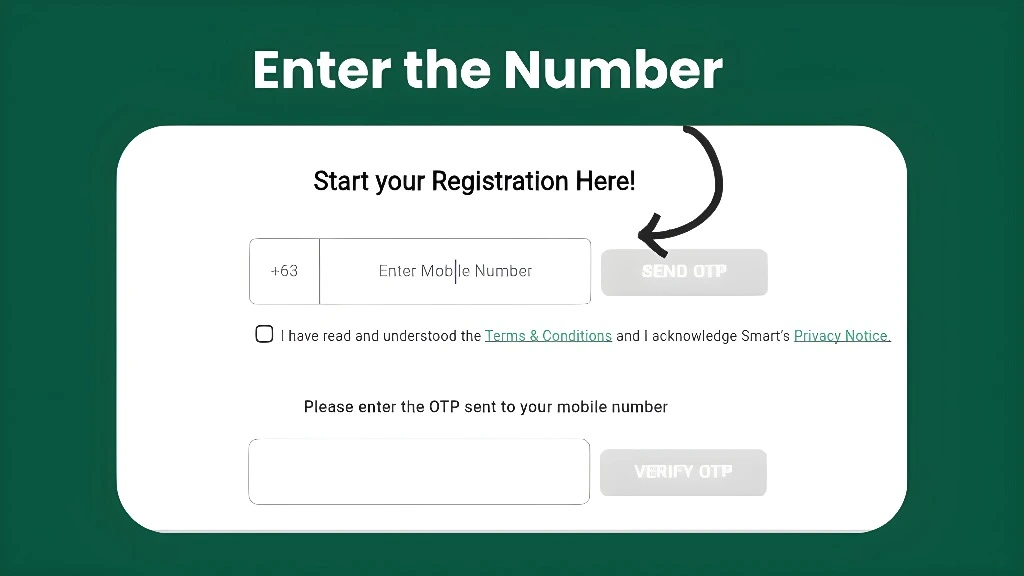
These small details make a big difference in successful registration.
FAQs
Final Words
ID upload issues can be annoying, but most of them are easy to fix if you follow the steps above. Focus on taking a clear photo, using the right file settings, and having a strong internet connection. If you still face problems, switching browsers or devices often does the trick.
Registering your TNT SIM correctly will keep your number active and secure. Just be patient, follow the steps, and you’ll get it done in no time!