How to Reactivate TNT SIM After Registration Expiry
If your TNT SIM got deactivated because you missed the registration deadline, you might be wondering how to get it working again. Let’s break it down in simple steps and explain what’s possible and what isn’t.
Can You Reactivate a TNT SIM After It’s Expired?
In most cases, you cannot reactivate a TNT SIM once it’s permanently deactivated after the registration deadline and grace period have passed. That means if you missed the deadline and didn’t register it in time, there’s no way to just turn it back on. You’ll most likely need to get a new SIM and register it again.
What Happens When TNT SIM Is Deactivated
When your TNT SIM is deactivated due to expired registration or inactivity:
And unfortunately, unlike some other networks, TNT typically doesn’t allow reactivation of a permanently deactivated SIM.
Possible Steps To Try Before Giving Up
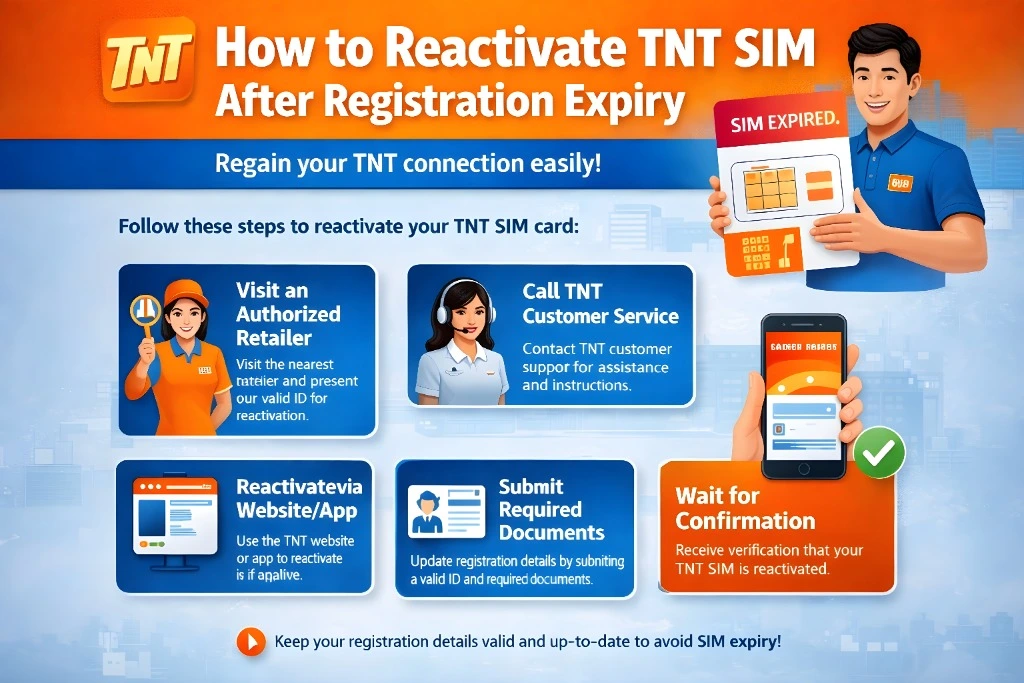
Even though reactivation is usually not possible, you can try the following just in case:
Call TNT/Smart Support
Contact TNT customer service by dialing 220 from a TNT phone or through Smart’s customer hotline. Ask them if there’s any chance your SIM can still be reactivated. Sometimes customer care may check if your SIM is still in a grace or recovery status.
Visit a Smart or TNT Store
Go to an official Smart or TNT store with your SIM card and valid ID. Explain your situation and ask if they can help reactivate it. Staff can confirm whether your SIM is truly gone or if there’s still something they can do.
Note: These two steps won’t guarantee reactivation if your SIM is fully expired — but they’re worth trying before you move on.You can also read: What Happens If You Miss the TNT SIM Registration Deadline
What If Reactivation Isn’t Possible?
If support confirms your TNT SIM is permanently deactivated, here’s what you can do:
Get a New TNT SIM
You’ll need a new SIM card from TNT.
When you buy it, register it right away to avoid losing it again.
Keep Your Old Number (If Possible)
Sometimes carriers may let you keep your old phone number by issuing a replacement SIM with the same number — but this depends on the carrier’s policy. If that’s important to you, ask customer service about number retention.
Tips to Avoid Losing Your SIM Again
Here are some easy tips to keep your TNT SIM active:
Being proactive will help you avoid future problems.
Quick Summary
TNT SIMs usually cannot be reactivated once they’re permanently deactivated.
You can try calling support or visiting a store to check.
If reactivation isn’t possible, you’ll need a new SIM and new registration.
FAQs
Final Words
If you missed the TNT SIM registration deadline, don’t panic — there may still be a chance to reactivate your SIM within the grace period. But if it’s permanently deactivated, your best option is to get a new SIM card and register it immediately.
To avoid facing similar issues in the future, always remember to register your SIM on time and keep it active by using it regularly.