Can TNT SIM Registration Be Done Abroad?
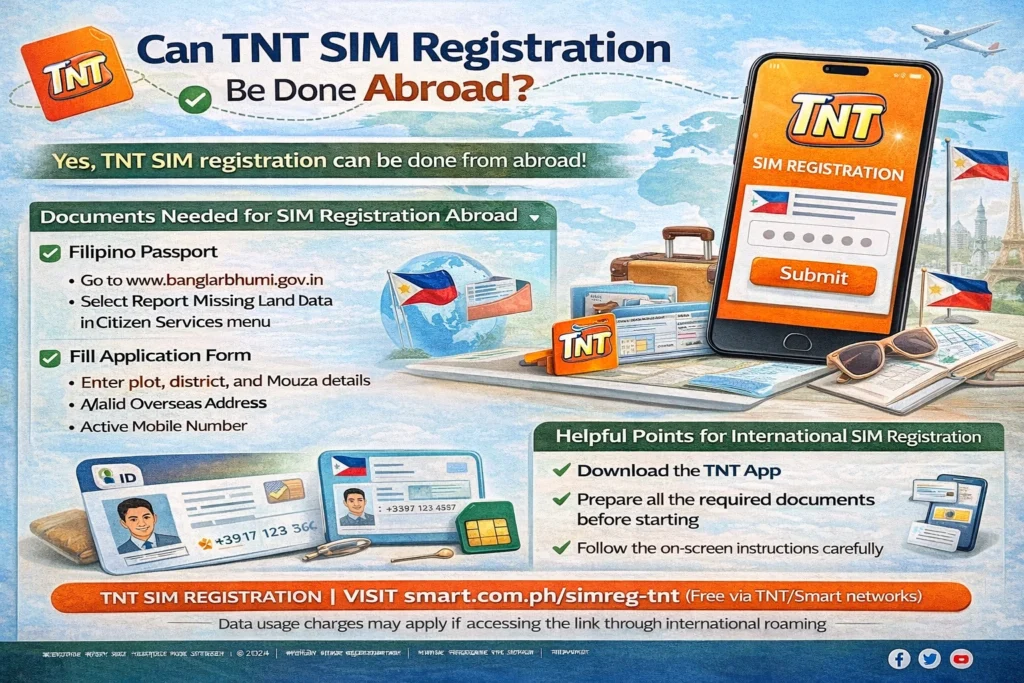
If you’re a TNT SIM user in the Philippines but you’re currently living, working, or traveling abroad, you might be wondering: Can you still register your TNT SIM while outside the country? The answer is yes — but with some conditions and tips to make it work smoothly.
Can You Register a TNT SIM While Abroad?
Yes, you can register your TNT SIM even if you’re abroad, as long as you meet the requirements and have access to the necessary tools. Official SIM registration is required by Philippine law for all SIM cards, including TNT, whether you’re a local, an overseas Filipino worker (OFW), foreign student, or traveler.
But here’s the important part: you must be able to receive the one‑time password (OTP) sent via SMS to your TNT number to complete registration. Without OTP, the process can’t be finished.
How to Register TNT SIM While Abroad
Here are the usual ways people abroad successfully finish TNT SIM registration:
1. Register Online Through the Official Portal or App
You can use the TNT or Smart SIM registration portal or the carrier’s official mobile app to register.
Enter your TNT mobile number
Submit your details
Wait for the OTP sent to the SIM
Upload your valid ID (passport works great)
This method works as long as your TNT number can receive SMS abroad (roaming must be active or you’re temporarily in a place where your number is working).You can also read: How to Get TNT SIM Activated After Registration
Use a Friend or Relative in the Philippines
If you can’t get the SMS OTP abroad, you might be able to use the help of a trusted person in the Philippines:
They receive the OTP on your phone in the Philippines
You tell them the code
You complete the registration online
Legally, you should be the one submitting the info, but in practice this works for some people when SIM SMS isn’t reachable abroad.
Have Roaming Turned On
If your TNT SIM has roaming enabled (and your carrier supports it), you might be able to receive SMS abroad. Check with TNT/Smart support before leaving the Philippines to confirm roaming settings.
Do You Need a Philippine Address or ID?
Yes. For SIM registration, you must provide:
For foreign nationals or tourists, additional documents like visa or return ticket may be needed if you’re temporarily in the Philippines before going abroad.
Things to Keep in Mind When Abroad
OTP Is Required
Without OTP to verify your number, online registration usually won’t complete. Make sure you can receive SMS on the TNT number, even from abroad
Plan Ahead
If you know you’ll be out of the country, try to register before you leave whenever possible.
Keep IDs Ready
A valid passport or government ID that matches your TNT account name is needed when uploading or presenting documents.
Be Patient
Sometimes online systems take longer to process registrations when done from outside the Philippines
Quick Summary
FAQs
Final Words
You can register your TNT SIM while abroad, but the key is making sure your number can receive the OTP needed for verification. Plan ahead, prepare your ID details, and if possible, register before leaving the Philippines. If you need help with roaming or SMS delivery while overseas, contacting TNT/Smart support before you travel can save you time and hassle.