
Can You Register a TNT SIM for a Business Account?
If you’re setting up a TNT SIM card for your business, company, or organization, you might be wondering:
Can TNT SIM registration be done under a business name?
Is the process different from personal registration?
The short answer is: yes — but there are specific requirements you need to meet. This article will walk you through the registration process, what documents you’ll need, and how to make sure your TNT business SIM is set up without any issues.

Main Overview of TNT SIM Registration for Business Accounts
Registering a TNT SIM for a business account is similar to personal registration, but with a few extra details required to ensure the SIM is linked to your company. As part of the SIM Registration Act, all SIM cards — whether for personal or business use — must be registered. This helps eliminate fraud, spam, and other issues linked to unregistered numbers. While the process is straightforward, you’ll need to provide additional business information, such as the company’s name, address, and the ID of the person registering on behalf of the business. The registration can be done online via the TNT or Smart SIM registration portal, or you can visit a TNT store for assistance. Once registered, your TNT SIM for business use will be active, allowing you to make calls, send messages, and use data for work-related purposes.You can also read: How to Fix TNT SIM OTP Issues in the GigaLife App
Business & Corporate SIM Registration Is Allowed
Under the SIM Registration Act in the Philippines, all SIM cards must be registered, including those used by businesses or organizations. That means whether it’s for personal use or business use, your TNT SIM still needs to be registered before it can be activated and used.
The Act covers both individuals and business or corporate entities, and telcos like TNT must collect the required information from anyone registering a SIM — personal or business.
What You’ll Typically Need for Business Registration
When registering a TNT SIM for a business account, you’ll still go through the standard SIM registration process, but you’ll also need to provide additional company details, such as:
This helps the telco verify that the SIM belongs to your business and that you are authorized to register it on the company’s behalf.
How Registration Works for Business SIMs
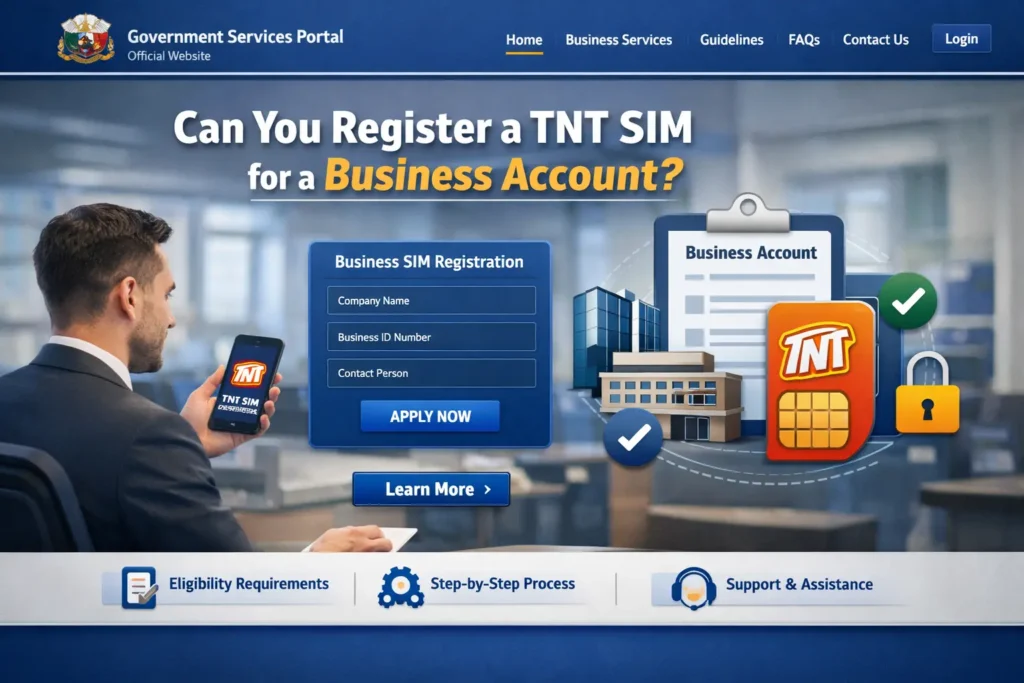
Registering a business TNT SIM isn’t much different from a normal registration. You still need to:
Visit the official Smart/TNT SIM registration portal online
Enter the TNT mobile number
Receive and enter the verification OTP
Complete your business and personal details in the registration form
Upload your business-related documents or ID
After submitting everything correctly, your business TNT SIM gets registered just like an individual account.
What Happens After Registration
Once your TNT business SIM is successfully registered:
You’ll get a confirmation message
The SIM becomes active for calls, texts, and data
It will stay linked to your business details — helpful for billing or business tracking
Failing to register the SIM by the deadline may lead to deactivation, so it’s best to complete this early.
FAQs
Final Words
Yes — you can register a TNT SIM for a business account, and it works much like individual registration with a few extra details. Make sure you have your business name, address, and authorized signatory information ready, and double-check everything before submitting. Once successfully registered, your TNT business SIM will be active and ready to use.