
Register TNT SIM Online in Just a Few Steps
If you have a TNT SIM in the Philippines, you now must register it before you can fully use calls, texts, and data. This is part of the SIM Registration Act under Philippine law, and it’s simple to do online in just a few minutes.
In this article, I’ll walk you through the easiest way to register your TNT SIM online without stress.

Why You Need to Register Your TNT SIM
Registering your SIM isn’t just a formality — it’s required by law. The SIM Registration Act says all mobile users must register their SIM cards so numbers are tied to real people. This helps reduce scams, fraud, and misuse of mobile networks.
If you don’t register, your SIM can be deactivated and your services will stop working.You can also read: What You Need for TNT SIM Registration in 2026
What You’ll Need Before You Start
Before you register, make sure you have:
Having all of these ready makes the process smooth and fast.
How to Register TNT SIM Online (Easy Steps)
Here’s the simplest way to register online, step by step:
Step 1: Visit the Official Registration Page
Open your phone or computer and go to the TNT/Smart SIM registration portal
Step 2: Enter Your Mobile Number
Type your TNT mobile number carefully so there are no errors
Step 3: Agree to Terms
Tick the box to show you accept the terms and privacy notice
Step 4: Get and Enter the OTP
You’ll receive a One‑Time Password (OTP) on your phone. Enter it to verify your number
Step 5: Fill in Your Details
Provide your personal information like your full name, address, and date of birth
Step 6: Upload Your ID
Take a clear photo of your valid ID (front and back). Make sure everything is readable
Step 7: Upload a Selfie
Take a selfie in good lighting. Your face should match your ID photo
Step 8: Review and Submit
Double‑check everything and tap submit. You’ll see a confirmation message once it’s successful
Alternative Easy Ways to Register
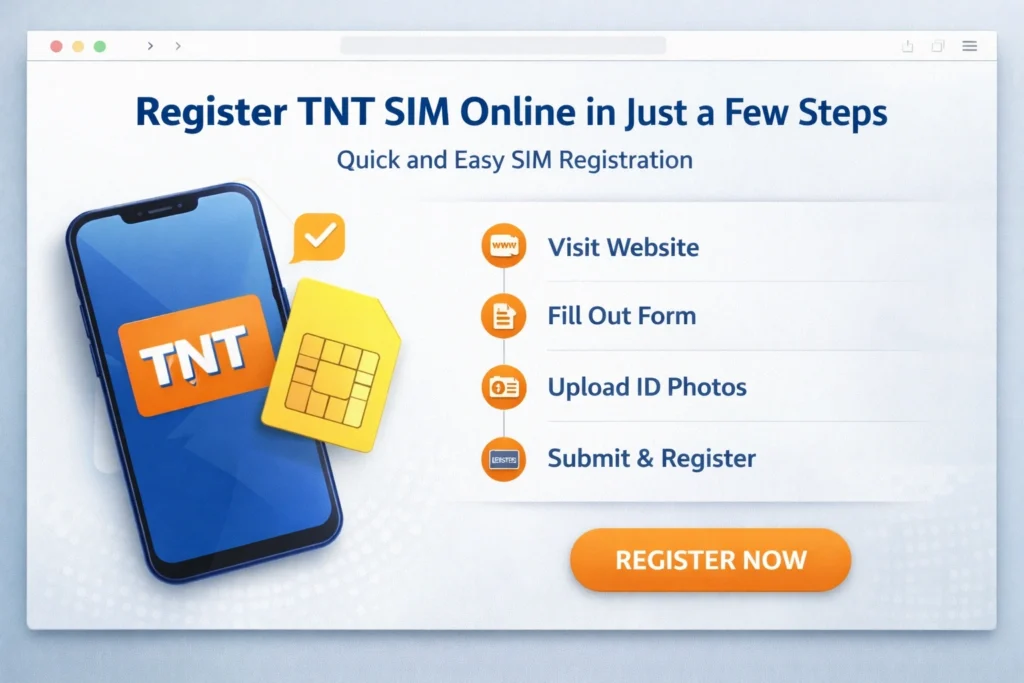
If online registration doesn’t work for you, here are other options:
Register Using the GigaLife App
You can register through the official app on your phone by following similar steps.
Visit a TNT or Smart Store
If you want help, visit any Smart retail store and ask staff to assist.
Tips for a Smooth Online Registration
Here are some quick tips to make sure you finish quickly:
These small things save you time and avoid mistakes.
What Happens After You Register
Once your TNT SIM is registered online:
Always save your confirmation message in case you need it later.
FAQs
Final Words
Registering your TNT SIM online doesn’t have to be complicated. With a clear step‑by‑step approach, all you need is a few minutes and the right documents.
Doing it early means you won’t worry about losing access to your calls and data later. So go ahead and complete your TNT SIM registration today — it’s quick, free, and keeps your number safe and active