Can TNT SIM Be Registered Without a Valid ID?
TNT SIM Registration is part of the Philippine government’s effort to reduce fraud and ensure your mobile service is secure. As part of the SIM Registration Act, everyone is required to register their TNT SIM with a valid ID. If you’ve been wondering whether it’s possible to register without one, let’s clear that up.
Short Answer: No — You Can’t Register a TNT SIM Without a Valid ID
Under the SIM Registration Act (Republic Act No. 11934) in the Philippines, all SIM cards must be linked to a real person using a valid government-issued ID before the SIM can be fully activated. This includes TNT SIM cards.
So if you’re trying to register your TNT SIM without any government ID, the system likely won’t accept it. You’ll need one of the accepted IDs to complete the process.You can also read: Is TNT SIM Registration Available for OFWs?
What Counts as a Valid ID?
You’ll usually need to upload a government-issued ID during registration. Some of the most common ones include:
These are accepted for most telco SIM registration portals, including Smart and TNT.
Without one of these, the system may show an “invalid ID” error — even if you try using something else like a school or work ID.
Why a Valid ID Is Required
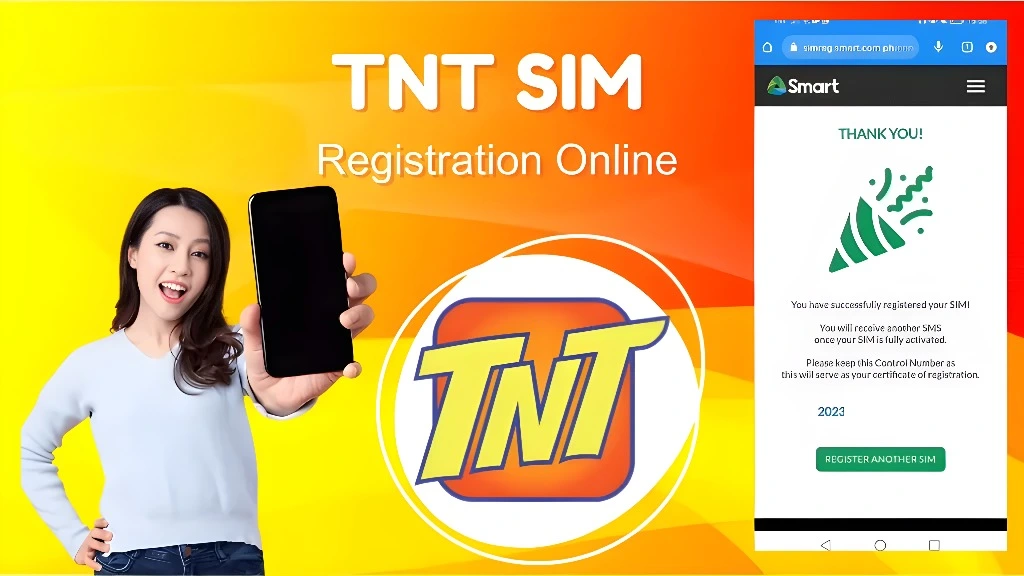
This isn’t just TNT’s rule — it’s a legal requirement. The Philippine government passed the SIM Registration Act to:
Prevent fake SIM cards from being used in scams
Help stop identity theft and fraud
Make telecom services more secure
Every SIM used in the Philippines — prepaid or postpaid — must be registered with a valid ID.
What Happens If You Try Without an ID?
If you attempt to register without an accepted ID:
So it’s not worth skipping this step — you need a valid ID to make sure your number works properly.
Smart Tips to Register Without Stress
Here are some quick tips to make registration smooth:
Use a Clear Photo of Your ID
Make sure your ID image is readable — good lighting and no blur help avoid rejected uploads.
Try the Official Portal First
Go to Smart’s official SIM registration page or use the GigaLife app.
Get Your ID Ready Before Starting
Have your ID number and photo ready — this speeds things up.
If Under 18
Minors don’t register the SIM in their own name — a parent or guardian must register it using their own ID.
No ID Yet? Get a National ID
If you’re waiting for an ID like the Philippine National ID (PhilSys), get that first — it covers many services, including SIM registration.
How to Complete Your TNT SIM Registration Smoothly
Once you’ve got your valid ID, you’re almost done. Here’s how to finish your TNT SIM registration process:
If you’re having issues with submitting your ID or verifying the information, make sure to check the file format and size for your ID upload.
Troubleshooting TNT SIM Registration Issues
Some users face problems during registration, and it can be frustrating. Here are a few solutions:
FAQs
Final Words
Registering your TNT SIM with a valid ID isn’t just a legal step — it’s essential for keeping your services secure and ensuring you enjoy uninterrupted mobile service. So, make sure you have your ID ready and follow the registration steps carefully. It’s a quick and easy process once you’ve got the right documents in place!
Need more help with TNT SIM registration or encountering issues? Don’t hesitate to reach out to TNT support for further assistance!