
TNT Registration Page Not Loading? Easy Fixes and Tips
If you’re trying to register your TNT SIM card but the registration page won’t load, it’s frustrating and confusing. Many users run into the same problem, whether on their phone or computer. You’re not alone.
SIM registration is required by law in the Philippines and must be completed before your SIM can fully work. When the registration page doesn’t open properly, it stops you from completing this step, which can affect calls, texts, and mobile data.
This guide shows you simple ways to fix the issue and get registered without stress.

Why the TNT Registration Page Might Not Load
Here are the most common reasons the registration page gets stuck or doesn’t load:
Server or Traffic Issues
Sometimes the registration server is busy or temporarily down. High traffic or maintenance can delay loading. This is usually on the provider’s side and not something you’ve done
Browser Problems
Your browser may have old data, extensions, or settings blocking the page from appearing. This is a very common reason pages fail to load properly
Poor Internet or Network Signal
If your internet connection or mobile data is weak when trying to register, the page might stay blank or never finish loading
App Glitches
If you’re using the GigaLife app to open the registration link and it keeps crashing or freezing, the issue might be an app bug or outdated version
Easy Ways to Fix the Loading Problem
Here are things you can try one at a time until registration loads normally:
Try a Different Browser
If you’re on Chrome, try Firefox or another browser. Some users find the page loads in one app but not the other
Clear Browser Cache
Old cached data can block web pages. Go to your settings and clear cache and cookies, then reload the page
Use Mobile Data Instead of Wi‑Fi
If your Wi‑Fi connection is slow, switch to your phone’s mobile data and try again
Restart Your Phone or Browser
Sometimes a simple restart refreshes everything and allows the page to load. This often fixes temporary glitches.
Try Later or at a Different Time
If the registration server is busy, trying early morning or late night often works better
Update or Reinstall the App
If the problem happens in the GigaLife app, update it to the latest version or delete and reinstall it. This can fix hidden bugs
What to Do if Nothing Works
If you’ve tried everything and the page still won’t load:
Visit a Smart or TNT Store:
Staff can help complete your registration in person. This works well if the online system keeps failing
Contact Customer Support:
You can call TNT/Smart support and explain the issue. They can help check your registration status and guide you.
Tips to Avoid Registration Problems
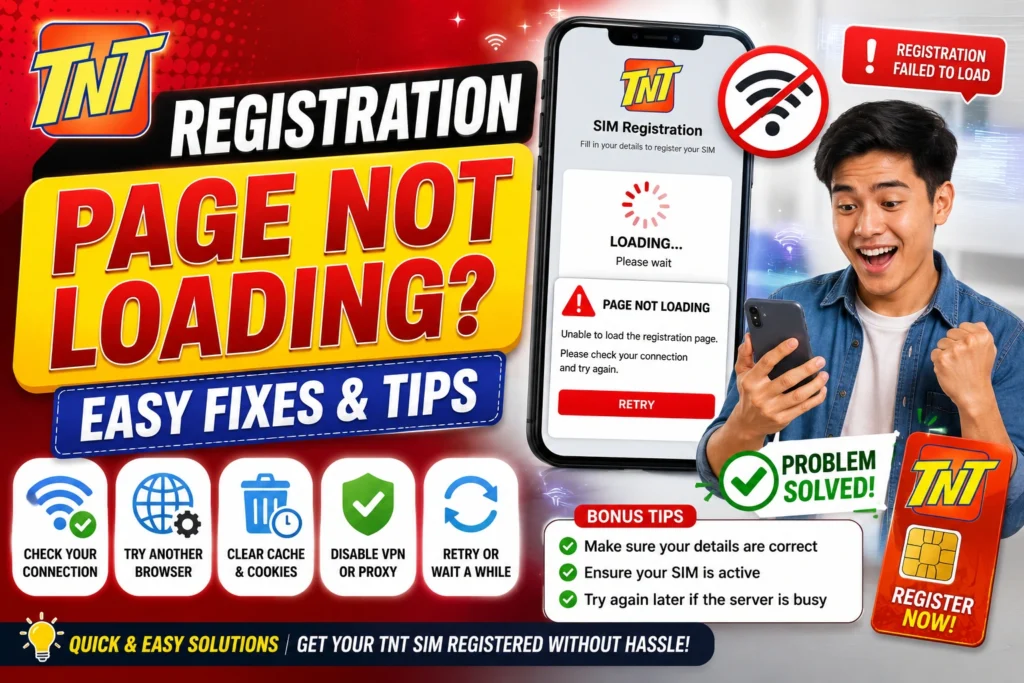
These small tips save time and frustration.You can also read: TNT SIM Verification Tips That Work (2026 Guide)
FAQs
Final Words
When the TNT registration page isn’t loading, it’s usually a simple fix like clearing cache, switching browsers, or using mobile data. Most problems are temporary and can be solved with a few quick steps. If you still can’t load the page, visiting a store or contacting TNT support will get you sorted.
Registering your SIM ensures you can use all mobile services without issues. Stay patient and try the tips above — you’ll get it done soon.