TNT SIM Registration ID & Selfie Tips (Easy Guide for 2026)
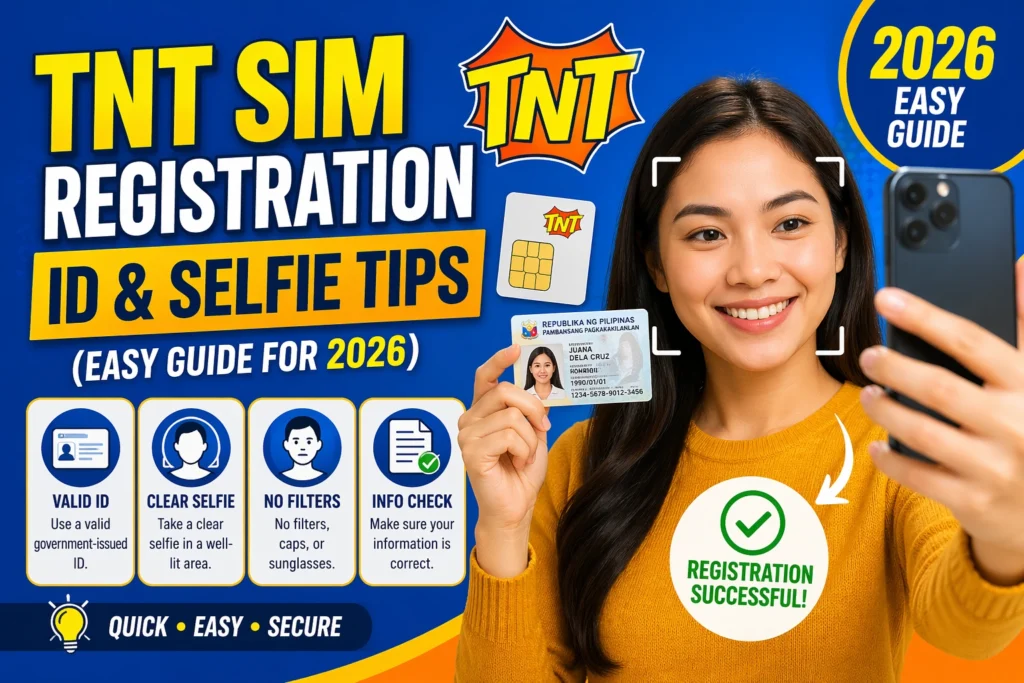
Registering your TNT SIM should be quick and stress‑free. But most people struggle with the ID photo and selfie part of the registration. If your ID photo is blurry or your selfie gets rejected, your registration can get denied or delayed.
In this guide, I’ll share simple tips to help you take perfect ID photos and selfies so your TNT SIM registration goes smoothly the first time.
Why Your ID and Selfie Matter
TNT SIM registration links your mobile number to your identity. To confirm that it’s really you, the system checks your ID photo and compares it to the selfie you take during registration.
So it’s important that both are clear and easy to verify.You can also read: TNT Registration ID Mistakes To Avoid 2026
Best Tips for Your ID Photo
Choose a Valid ID
Make sure you use a government‑issued ID that shows:
Good examples include:
National ID, Passport, Driver’s License, SSS/GSIS ID, Voter’s ID, or other valid IDs.
Tips for a Clear ID Photo
Why this helps:
Clear photos make it easier for the system to read all the info, which reduces rejection.
Easy Tips for Your Selfie with ID
Your selfie must show your face clearly and the ID you’re holding. This step helps verify that the person in the ID is really you.
Selfie Tips That Work
Face the Light:
Stand in good lighting so your face and the ID are both visible.
Hold ID Next to Your Face:
Make sure both are clear — not too far, not too close
Remove Sunglasses and Masks:
Your entire face should be visible
Look at the Camera:
A simple, neutral expression works best
Avoid Busy Backgrounds:
A plain background helps the system focus on you and your ID
Common Mistakes to Avoid
Here are some mistakes that can cause your ID or selfie to get rejected:
Quick Fix:
If your photo gets rejected, review the error message, retake the photo with better lighting, and ensure everything needed is visible.
File Size and Format Tips
Take photos in common formats like JPG or PNG.
Avoid very large files — they might fail to upload.
Use your phone’s editor to crop and reduce size if needed.
This makes uploads faster and less likely to fail.
Check Before You Submit
Before you hit “Submit,” do a quick review:
If yes — go ahead and submit!
FAQs
Final Words
Taking great ID photos and selfies doesn’t have to be hard. With good lighting, clear visibility, and simple checks, you can complete your TNT SIM registration without stress. Take your time, follow the tips above, and your registration will be smooth and successful!