
TNT SIM OTP Not Received? Here’s How to Fix It Fast
Are you stuck waiting for your TNT SIM OTP and it never shows up? Don’t worry — you’re not alone. Many people face this problem when trying to register a new SIM, log into an app, or verify their account. The good news is that most of the time, the fix is quick and easy. In this guide, I’ll walk you through why OTPs sometimes don’t arrive and exactly what you can do to get it working fast — no tech jargon, just simple steps that anyone can follow.

What Does “OTP Not Received” Really Mean?
An OTP (One-Time Password) is a short code sent to your phone to confirm it’s really you. If you don’t get this code, you cannot continue with registration, login, payment, or account setup. It feels like everything stops. But most of the time the issue isn’t big — it’s just a small roadblock you can fix yourself.
Common Reasons TNT SIM OTP Doesn’t Arrive
Here are the most usual causes:
If your phone has poor reception, the OTP SMS might never make it to your inbox.
Even one wrong digit means the OTP gets sent to someone else or never gets sent at all.
If your SMS inbox is full, or message filters are blocking unknown numbers, OTPs can get lost.
Sometimes the problem is on the carrier side — network congestion or routing delays can slow things down.
Do Not Disturb, spam filters, or messaging app issues can stop OTP notifications from appearing.
If you tap “Resend OTP” too many times quickly, the system might block additional requests for a few minutes.
Quick Checks Before Anything Else
Before diving deeper, do these first — they fix most cases fast:
Step-By-Step Fixes You Can Try
Step 1 — Restart Your Phone
Power off your device for 10–15 seconds, then turn it back on.
Step 2 — Make Sure You Have Enough Balance
Some carriers require a small load to receive messages
Step 3 — Switch Between SMS and Mobile Data
Turn off Wi-Fi and use the mobile network only if OTP isn’t coming
Step 4 — Update or Reinstall the App
Outdated apps can break OTP delivery — update or reinstall the app
Step 5 — Try Again After Wait
Avoid pressing “Resend” too fast — wait the full countdown, then re-request
Step 6 — Contact Your Carrier Support
If nothing works, contact TNT or your network provider
Extra Tips to Avoid OTP Delays
When to Consider SIM or App Issues
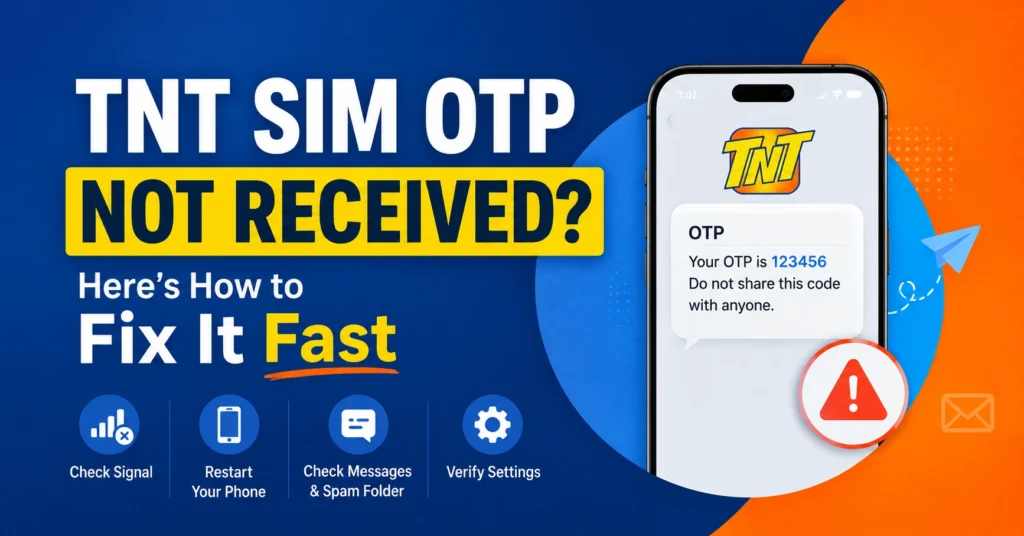
Sometimes, even after all checks, OTPs don’t arrive. In such cases:
Preventing Future OTP Issues
FAQs
Final Words
Getting stuck waiting for your TNT SIM OTP can be frustrating, but it’s usually easy to fix. Most delays happen because of network issues, wrong numbers, or phone settings. Start with the quick checks, follow the step-by-step fixes, and reach out to your carrier only if necessary. With these tips, you should be up and running in no time — and next time, OTPs will be less of a hassle.