TNT SIM Status Unregistered? Meaning & How to Fix It
If your TNT SIM status is showing unregistered, it can be confusing. You’re expecting to call, text, or use mobile data, but something just isn’t working. The good news is this is usually easy to understand and fix once you know what it means and what to do next.
TNT SIM cards in the Philippines must be registered with your personal details before they can fully work. If your SIM shows “unregistered,” it means the registration wasn’t completed or didn’t go through properly. Registration is required by law so all mobile numbers are linked to actual users.
What “Unregistered” Actually Means
When your TNT SIM shows unregistered, it simply tells you that the telco system has not confirmed your SIM registration yet. This can happen for a few reasons:
You never finished the registration process.
The system didn’t save your details properly.
You registered, but the status hasn’t updated yet.
Until the SIM is registered, certain services like calls, texts, mobile data, and load top‑ups might not work normally.
Why SIM Registration Is Important
SIM registration links your mobile number to your identity. This makes your number safer and helps reduce scams and fraud. It is required under the SIM Registration law in the Philippines, so unregistered SIMs might eventually stop working.
How to Check if Your TNT SIM Is Unregistered
It’s good to confirm your status so you know what to do next. Here are the common ways people check:
Check inside the GigaLife App
Open the app on your phone and look for your SIM status near your number
Use the SIM Registration Portal
Go to the Smart/registration website, enter your TNT mobile number, and you’ll see if it says registered or not registered
Some people also go to a Smart Store and ask staff to check the status for them in person.
What to Do When Your SIM Is Unregistered
Here’s a step‑by‑step approach that helps most people:
If it’s showing unregistered, try completing the registration one more time. Make sure your details match what’s on your ID.
Registration can be done through the GigaLife App or the SIM registration portal. Enter your number, verify with OTP, upload your valid ID, and follow the steps until you see a confirmation message.
Sometimes the system takes a little time to update. Waiting a few hours and checking again can help.
If online registration doesn’t work, go to a Smart Store with your valid ID. Staff can help you register or check the status manually.
Common Reasons Your SIM Shows Unregistered
Here are a few common issues people run into:
Mistyped Information
If any details like name, birthdate, or address don’t match your ID, the registration won’t go through.
Photo Upload Issues
Sometimes the ID or selfie photo upload fails due to size, clarity, or lighting. Try retaking and uploading again.
Network or System Delay
The registration system can be slow or momentarily down. A retry later in the day often helps.
Tips to Fix Unregistered SIM Faster
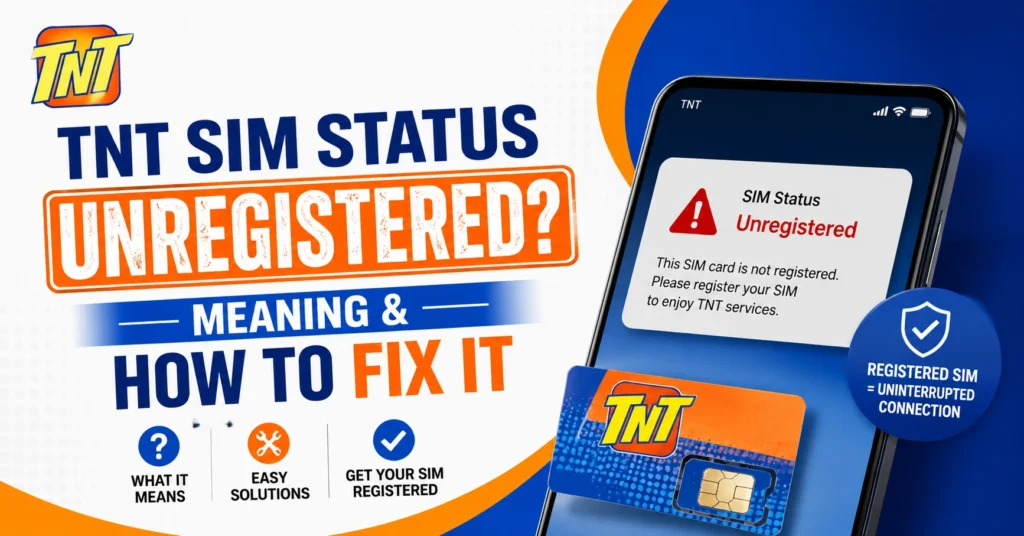
These small steps make the whole process smoother.You can also read: TNT SIM Confirmation Troubleshooting 2026
FAQs
Final Words
Seeing unregistered on your TNT SIM status can be annoying, but it’s usually easy to fix when you know what to do. The key steps are checking your current status, completing or re‑doing the registration process, and making sure your mobile number is linked to your valid ID.
If you follow the steps above and use honest, correct information, your SIM should become registered and fully active again.