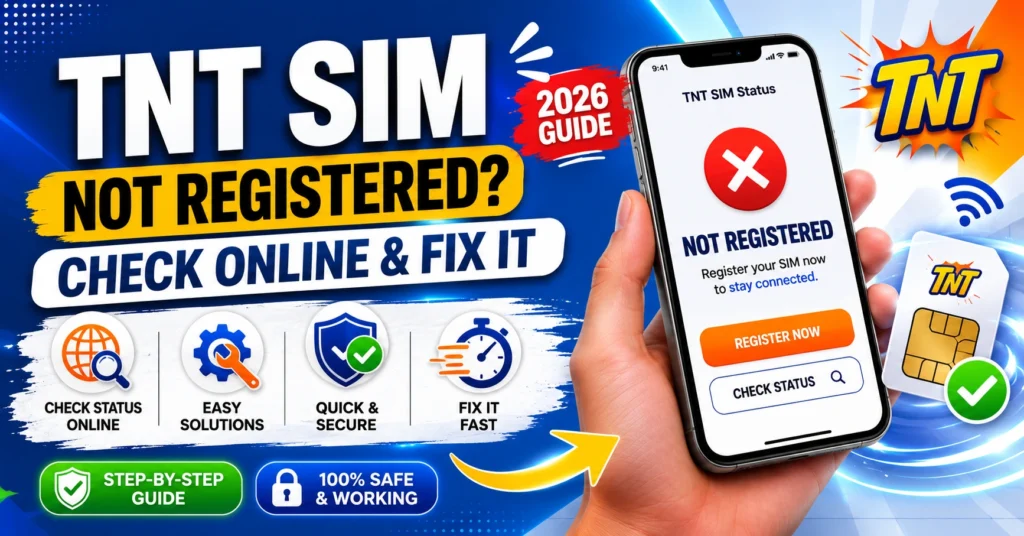
TNT SIM Not Registered? Check Online & Fix It (2026 Guide)
If your TNT SIM card shows not registered or you’re not sure whether it’s registered, don’t worry — that’s something a lot of users experience. In the Philippines, SIM registration is now mandatory for all mobile users, and having an unregistered SIM can stop you from making calls, sending texts, or using mobile data.
The good news is that checking your TNT SIM registration status online is quick and easy. In this guide, I’ll show you how to check it online, what “not registered” really means, and simple steps to fix it so you can stay connected without interruption.

What Happens If Your TNT SIM Is Not Registered
If your TNT SIM card is not registered, a few things can happen:
SIM registration in the Philippines is required by law, and unregistered SIMs are usually blocked or deactivated until you complete the process.
How to Check If Your TNT SIM Is Registered Online
1. Check Through the Gigalife App
One of the easiest ways to see your SIM status is in the app:
If it says Not Registered, that means the system hasn’t finished your registration or it never happened in the first place.
Check on the Registration Website
Another way is to use the official Smart/TNT registration portal:
If it shows that your SIM isn’t registered, you can start the registration right then.
Ask at a Smart/TNT Store
If online checks don’t work or you prefer personal help, visit a Smart/TNT store with your SIM and ID.
The staff can check your SIM registration status and help you complete it if needed.
Simple Steps to Fix a Not Registered TNT SIM
Here’s what to do when you find your TNT SIM isn’t registered yet:
Complete the Online Registration
If the status says Not Registered, follow the online steps to register it:
This usually takes just a few minutes.
Make Sure Your Details Are Correct
If you tried registering before and it still shows Not Registered, double‑check:
Small mistakes can stop the registration from being accepted.You can also read: TNT App Shows “Unregistered”? Try This (2026 Fix Guide)
Give It Time to Update
Sometimes the registration system takes a little while to update your status. If you see Not Registered right after submitting, wait a few hours or even a day and check again. Systems sometimes sync slowly during busy times.
Try a Different Browser or Device
If the registration portal keeps giving errors, switch to another browser or use a phone instead of a computer. Some browsers work better with the registration site than others.
Quick Tips for Smooth Registration
These little things make a big difference.
FAQs
Final Words
Seeing Not Registered for your TNT SIM can be frustrating, but the fix is simple once you know how to check and complete the process online. Use the Gigalife app or official registration website to verify your status, make sure your details are correct, and take your time in the steps. Most of the time it’s a quick online fix.
If you still have questions or your registration isn’t updating after a while, visiting a Smart/TNT store for help is a good back‑up option. Now you know how to check and make sure your TNT SIM stays active and working!