TNT Registration Photo Tips That Work 2026
When you register your TNT SIM online in 2026, one of the most important steps is uploading your photos. These photos usually include your ID photo and a selfie. If these photos are not clear or properly taken, your registration can be delayed or rejected.
In this article, you’ll learn practical photo tips that help you finish your TNT registration quickly and successfully.

Why Good Photos Matter
Photos are used to confirm your identity. When your photos are clear and follow the requirements, the system can easily verify that your ID matches your face.
If photos are blurry, dark, or unclear, the registration system may ask you to upload them again, which wastes time.
Good photos mean:
Faster registration
Less waiting
Fewer errors or rejections
Choose a Bright Area With Good Lighting
One of the biggest reasons photos are rejected is poor lighting.
Take your photos in a place with:
Avoid dark rooms or bright lights right behind you. When your face and ID details are clear, the system can verify faster.
Keep the Camera Steady
Blurry photos happen when the camera shakes.
To avoid this:
Hold your phone with both hands
Rest your elbows on a steady surface
Don’t rush when taking the photo
A steady camera gives a sharp, readable image — perfect for registration.You can also read: TNT SIM Selfie Upload Tips & Tricks 2026
Use the Phone Camera, Not a Screenshot
Photos should be taken directly with your phone’s camera. Screenshots, scanned images, or edited pictures may be too small or unclear for verification.
Open your camera app and take the picture at full size. This gives the best result for identity checks.
Center the ID in the Frame
When you take a photo of your ID card, make sure:
The entire ID is visible
No edges are cut off
All text is readable
Leave a little space around the ID so nothing gets cut off in the frame.
Avoid Reflections and Glare
If your ID has a shiny surface, reflections can block the details.
To prevent this:
Clear, glare‑free photos make it easier for the system to read your ID details.
Keep the Background Simple
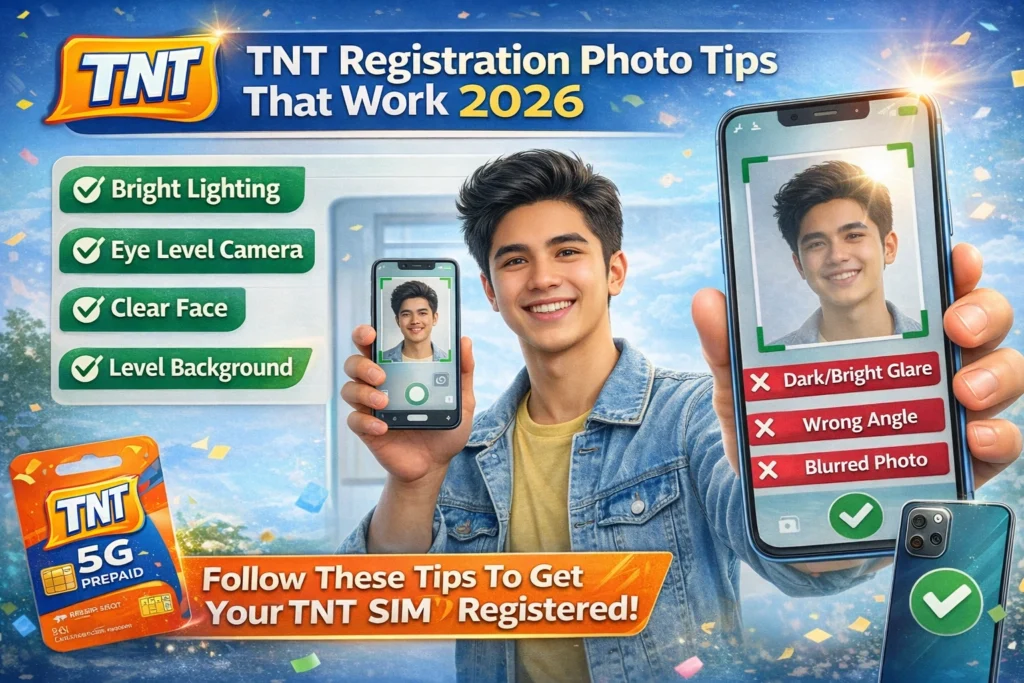
A plain background helps the registration system focus on your face or ID without distractions.
For photos of your ID or selfie:
Simple backgrounds help reduce mistakes during processing.
Remove Accessories That Cover Your Face
For your selfie photo:
Take off sunglasses
Remove caps or hats
Avoid large scarves or masks
The system needs to see your entire face so it can match it with your ID.
Position Your Face in the Center
Look straight into the camera with your face centered.
Make sure:
Your entire face is in the picture
You are not tilted too much
Eyes and mouth are clearly visible
Centered, natural photos always work best for face verification.
Use Portrait Mode If Available
Portrait mode helps focus on your face and reduce background distractions.
If your camera has portrait mode:
This can improve photo quality and help the system recognize your face more easily.
Review Before Uploading
Before you upload any photo:
Zoom in to check if it’s clear
Make sure all details are readable
Retake if needed
One good photo is better than several unclear ones.
Extra Tips for ID Photos
Clear images save time and prevent rejections.
FAQs
Final Words
Taking good photos for your TNT SIM registration doesn’t have to be hard. With the right lighting, simple setup, and a few easy tricks, you can get it right on the first try.
Clear, readable, and properly framed photos help your registration move faster, save time, and reduce stress.
Take your time, follow these tips, and you’ll finish your TNT registration successfully in 2026.